
How to Search Criminal Dockets
Start with the Putnam clerk's Case Search page for a Superior Court felony or a State Court misdemeanor. That page points to the Icon Case Search endpoint. Georgia's E-Access directory offers a second route. It routes both Putnam Superior and State courts to PeachCourt. An account is required there. Neither official interface offers a public anonymous field set. So a last-name search, wildcard, date range, or case-number pattern may simply fail.
Before you search, gather your facts. Know the exact court. Bring a case number if you have one, the filing date, and a carefully spelled party name. If the online route stops at a login screen, call the clerk or visit the counter. You can also use the free courthouse access terminal that Georgia's electronic-filing standards require. A mailed request should state the court, case number, document, and delivery method. Add your contact information. Those are all the access channels available for Putnam County criminal dockets.
- Identify Superior, State, Magistrate, Juvenile, or Eatonton Municipal Court.
- Open the clerk's Case Search page and test its official Icon link.
- Check Georgia E-Access and the PeachCourt route for Superior or State Court.
- Compare the court, caption, filing date, and recent events before relying on a match.
- Call, visit, or send a focused request to the responsible clerk when online access is gated.
Putnam Criminal Docket Split
Putnam County splits its criminal work across courts rather than keeping one countywide docket. Felonies and felony jury trials belong to the Superior Court of Georgia, Putnam County, Ocmulgee Judicial Circuit. State misdemeanors and county-level traffic matters go to Putnam State Court. Trevor J. Addison clerk for both courts and for Juvenile Court. That shared office does not merge the separate court names. So name the right one in every search.
| Matter | Putnam County court | Starting channel |
|---|---|---|
| Felony | Superior Court | Addison clerk Case Search |
| Misdemeanor | State Court | Addison clerk Case Search |
| Warrant or preliminary step | Magistrate Court | Magistrate office |
| City ordinance or city traffic | Eatonton Municipal Court | Municipal clerk or police channel |
| Juvenile matter | Juvenile Court | Clerk, subject to added limits |
An arrest or warrant inquiry is not proof that a Superior or State Court case was filed. The same goes in reverse. An Eatonton citation will not fit the county felony search. Court, case number, and event history must line up.
What a Criminal Docket Shows
A Putnam County criminal docket can show the court, filing date, caption, judge, charge, count, and current status. That applies when the provider makes those fields public. The chronology may track initial proceedings, bond, discovery, motions, arraignment, pleas, trial settings, sentencing, and probation review. Financial data or document images sometimes sit on a separate provider screen. Their absence from the index proves nothing about fines, costs, orders, or filings.
| Case header | Court, case number, filing date, case style, judge, and status. |
|---|---|
| Allegations | Charge, statute or class, count, and accusation or indictment details if shown. |
| Proceedings | Arraignment, plea, motion, status, trial, sentencing, or revocation events. |
| Outcome | Plea, dismissal, nolle prosequi, judgment, or another result shown by the actual entry or order. |
| Access flags | Document gate, redaction, sealed status, or a link to an available image. |
No published pattern exists for Putnam criminal case numbers. Never invent a prefix such as a year plus CR. Copy the exact number from the citation, a court notice, a live case result, or a clerk response.
Putnam Criminal Portal Limits
The clerk-linked Icon endpoint opens to a login page. It shows a VIEWONLY user ID, a password field, a remember-user option, and a login control. None of that establishes anonymous name or case-number fields. PeachCourt likewise shows email and password fields plus registration links. PeachCourt handles filings and documents. The Georgia E-Access directory just routes users rather than serving as one statewide database.
The Putnam electronic-filing page names EZFile for criminal filings and PeachCourt for civil work. The current statewide chart marks PeachCourt mandatory for both Putnam Superior and State courts. Trust the chart for current status, and treat vendor links as filing tools. They are not promises of free public docket access.
The clerk's own filing page shows why one portal name cannot stand in for the whole local system.
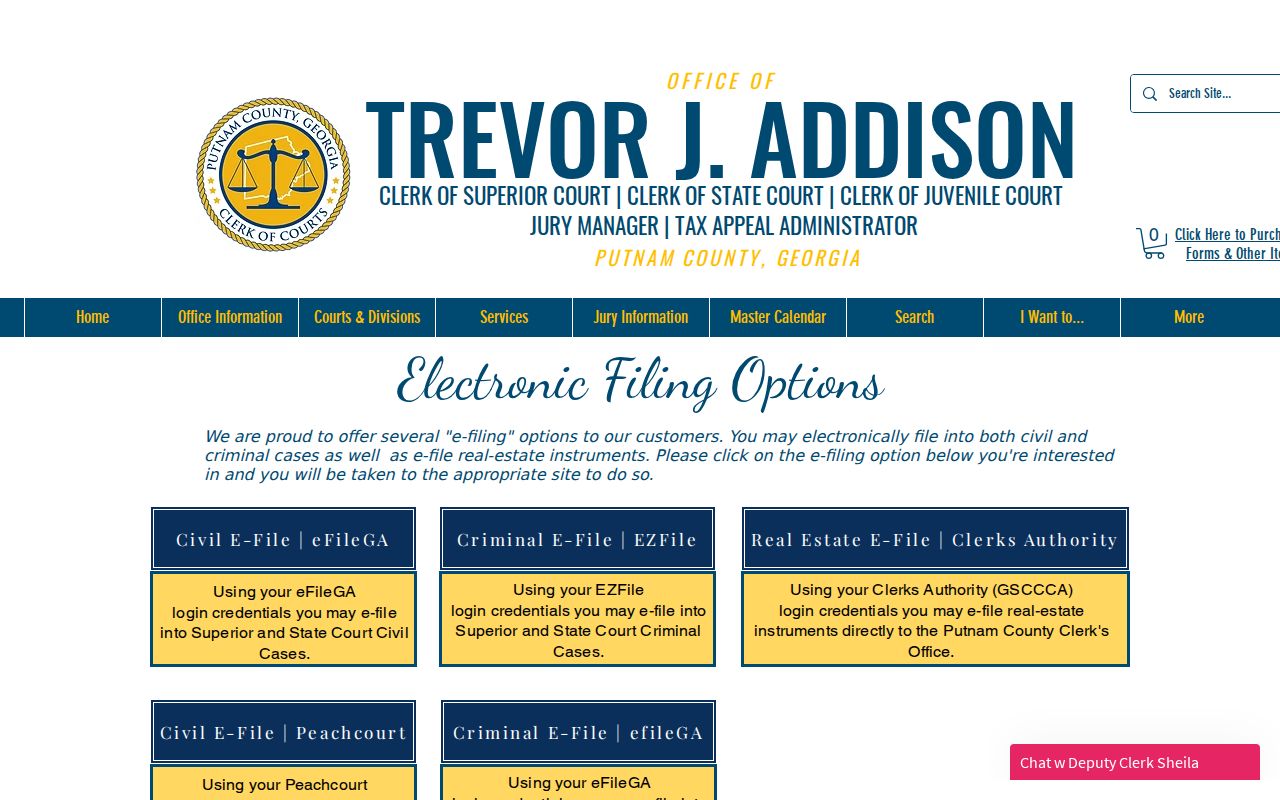
That official page backs up the provider distinction. Still, confirm current access and submission rules with the clerk or the live provider.
Stages on a Criminal Docket
A felony or misdemeanor file builds step by step. One status label never tells the whole story. A Putnam County criminal docket may open with a charging paper and initial event, then add arraignment, discovery, motions, calendar calls, pretrial work, a plea or trial, and a disposition. Sentencing can stand as its own event. Later probation-revocation or review matters may add entries after the main judgment.
Docket flow: Filing › Arraignment › Pretrial › Plea or Trial › Disposition › Sentencing
One case can carry several counts and several settings at once. Read the latest order and the full chronology before stating what happened. A pending charge is only an allegation, and a setting is a scheduled procedural step, nothing more.
Putnam Criminal Setting Codes
The Putnam Master Court Calendar publishes labels that decode a criminal schedule. Each label names a session type, not a legal result. A row marked AR does not mean conviction. A TC line does not prove a trial happened. A PD line does not reveal the plea or sentence.
- AR
- Arraignment, where the charge and plea process are addressed.
- PD
- Plea Day, a calendar category for plea proceedings.
- CR
- A verified criminal calendar label.
- TC
- Trial Calendar, a scheduled trial session rather than proof of a verdict.
- SC
- Status Calendar, used to review where a matter stands.
- GJ
- Grand Jury, a calendar category connected to felony case processing.
Motion Day, coded MD, can also show up in a criminal file. Compare any calendar row with the docket chronology, and call the clerk to verify a date or reset.
Which Court Holds Criminal Dockets
Putnam County splits its criminal work across several courts. Felonies go to Superior Court, the county's main trial court. Misdemeanors and county traffic cases land in State Court. Magistrate Court handles warrants, minor criminal matters, and early proceedings. It keeps its own records channel. City ordinance violations and municipal traffic tickets belong to Eatonton Municipal Court, covered on the Eatonton Court Docket page. Juvenile delinquency cases sit with Juvenile Court, where Addison also serves as clerk. Access there is tighter than for adult dockets. Georgia's JDEX is an authorized data exchange rather than a public case lookup. So an empty result there proves nothing about whether a juvenile matter exists.
Missing Putnam Criminal Results
No Putnam County criminal docket turning up? Start by confirming the court. Check the spelling of the name, the filing date, and the exact case number from an official notice. A warrant might still sit at Magistrate Court. A city citation may be over in Eatonton. Brand-new filings sometimes take time to appear, and sealed or juvenile matters are restricted on purpose.
Do not infer dismissal. A blank result, login wall, or missing image describes access, not the existence or outcome of a criminal case.
Need a first-offender document? Use the official clerk link, then call the clerk's office. The form fields, fee, identification rules, and delivery terms have to be confirmed directly with that office. When you ask for a certified paper, name the exact order or judgment you want. Don't request the whole file.
Public Access and Sealed Criminal Dockets
Georgia court records start open to the public. But the law, court procedure, or a judge's order can close part or all of a file. Uniform Superior Court Rule 21 lays out a supported process for placing limits. It also protects sensitive identifiers. Its temporary ex parte provision carries defined conditions and a set maximum period. So a public index can list a case. It may still hold back an image or a private field.
Key rules:
Uniform Superior Court Rule 21 starts from public access and governs limits, sealing, and protected identifiers.
Georgia Open Records Act guidance explains inspection subject to court orders and legal exemptions.
Ask the responsible clerk which portion of a file is open to view, and whether you need a written request or a court order to see it. Never try to slip past a login, redaction, CAPTCHA, or seal. Treat the public docket as a tool for court history alone, not as proof about a person beyond the actual entries and orders on file.
Georgia Filing Status for Putnam
Georgia's e-file chart is the official word on providers and mandatory status, and it shows Putnam Superior and State Courts filing through PeachCourt. The state e-file chart also keeps electronic filing separate from the public E-Access directory. That split matters. Submitting a case document and looking up a docket are two different jobs.
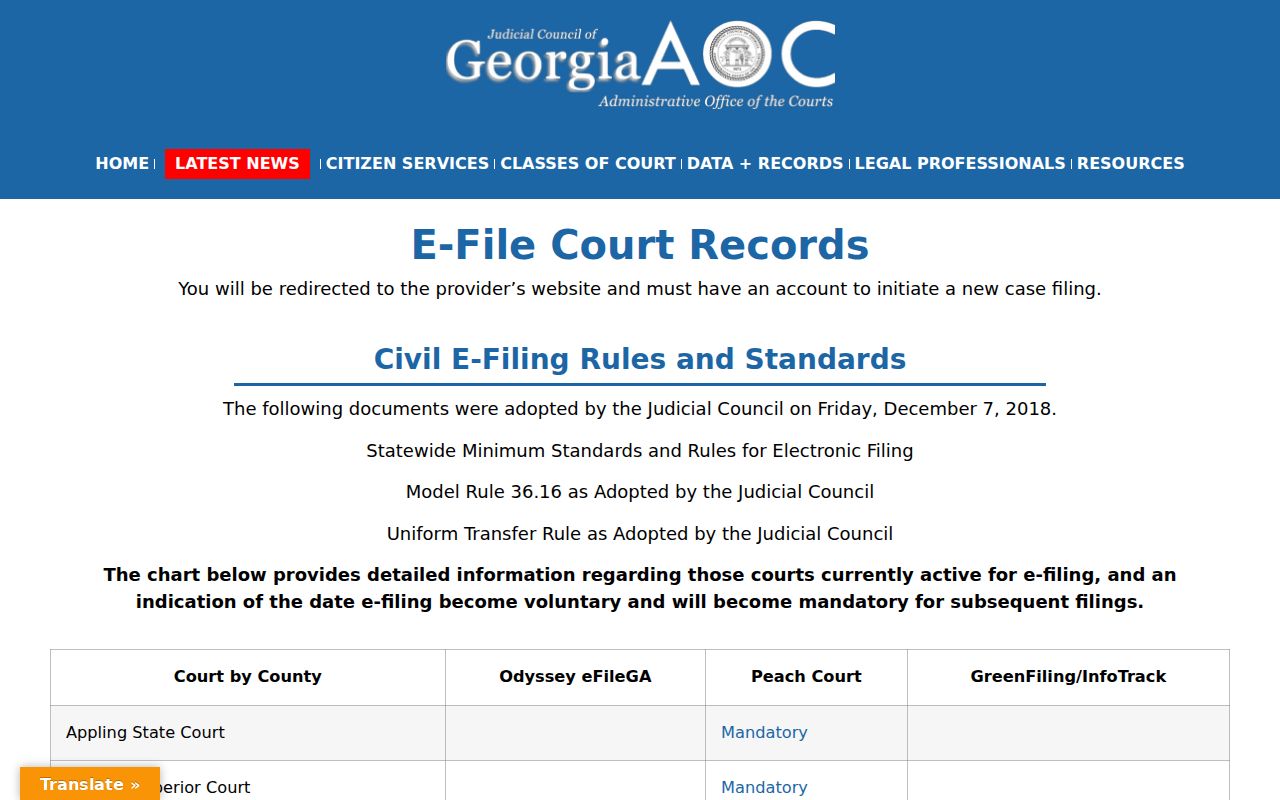
The chart is the current routing source for filings, while what you can actually see still depends on the court, your provider account, and any file restrictions. The wider Georgia Data and Records directory sorts E-Access, e-file, JDEX, and research systems into their own lanes.
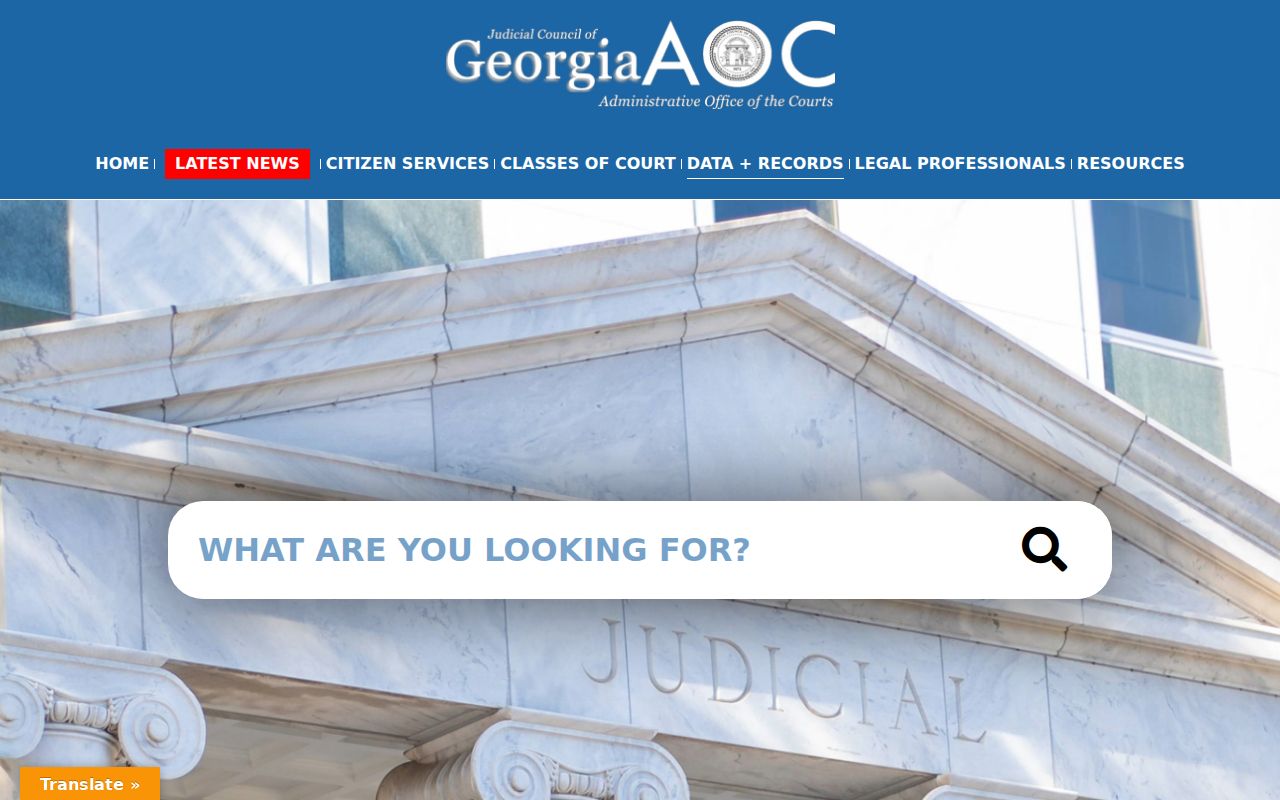
That structure points to a safe search habit: pick the right record system first, then interpret any result or login screen you meet.