
Searching Cases by Name
Name searching in Putnam County begins at the Putnam clerk's official Search page. It covers Superior and State Court cases. That page sits beside separate tools for real estate, historical indexes, and notaries. Click the Icon Case Search link and a login screen appears. Expect a VIEWONLY user ID, a password field, a remember-user checkbox, and a login control. No public last-name, first-name, court, or date fields greet the visitor there.
Before you type anything, confirm the spelling against a court notice if you have one. A name alone proves little in a docket search. Check the court, the case style, the filing date, and the case type on any result. Only then should you trust it. Putnam Superior, State, Juvenile, Probate, Magistrate, and Eatonton Municipal courts all keep their own records. Each stores them in separate places. If the screen stops short of query fields, try Georgia E-Access. Or call the responsible clerk rather than guessing at search syntax.
- Choose the court based on the case type or court notice.
- Open the official clerk search page and select Case Search.
- Enter only fields the live portal actually presents.
- Match the court, caption, date, and case type before opening a result.
- Read the chronological events and most recent order.
Putnam County Case Search Clerk
Putnam County Case Search Clerk: Trevor J. Addison serves as clerk of the Superior, State, and Juvenile courts. His office holds the civil, criminal, traffic, and juvenile files for those three. It is not a catch-all home for every local docket. Probate Court, Magistrate Court, and Eatonton Municipal Court each run their own record channels. The official Meet the Clerk source names Addison. It also lays out the office's public record duties.
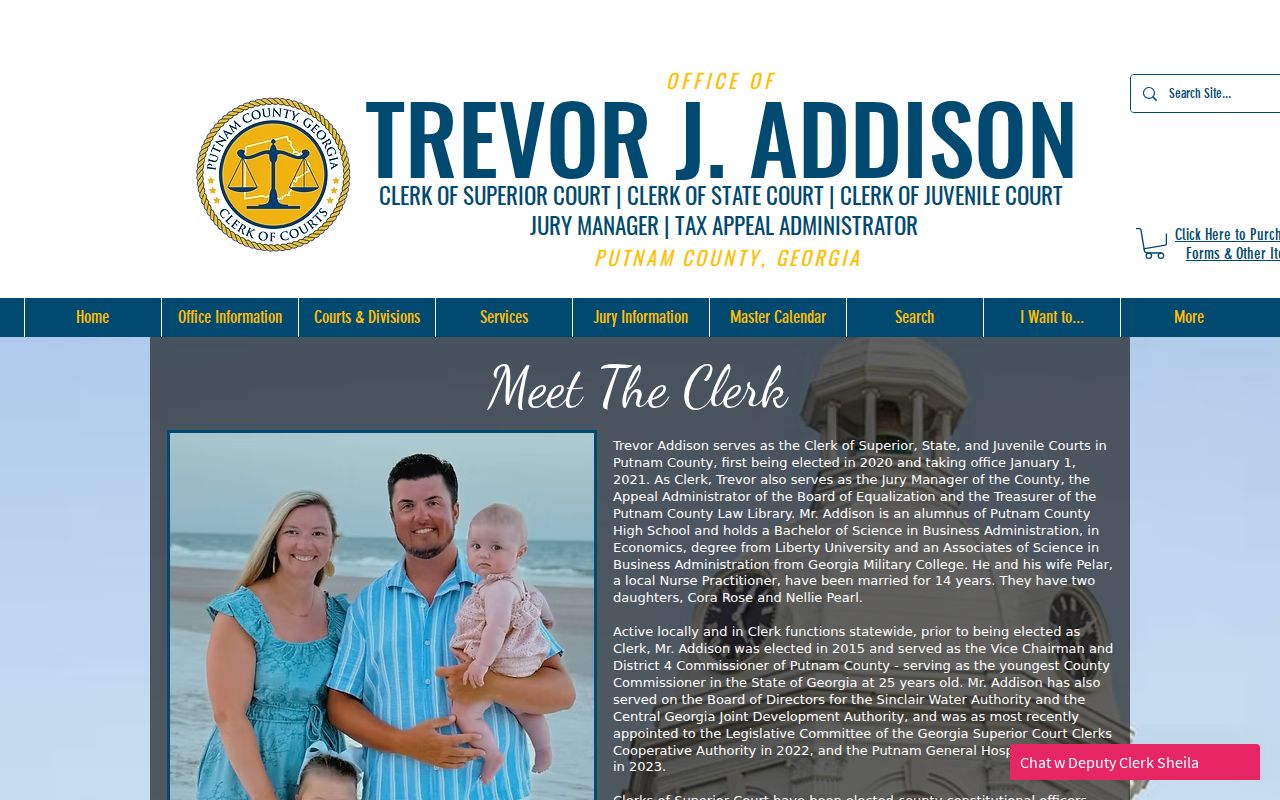
That clerk profile explains the split. Case searches for Superior and State Court start with Addison's office, while other court types sit with a different keeper of records. The clerk team source shows the same breadth on the staff side, spanning Superior, State, Juvenile, accounting, real-estate, and compliance work.
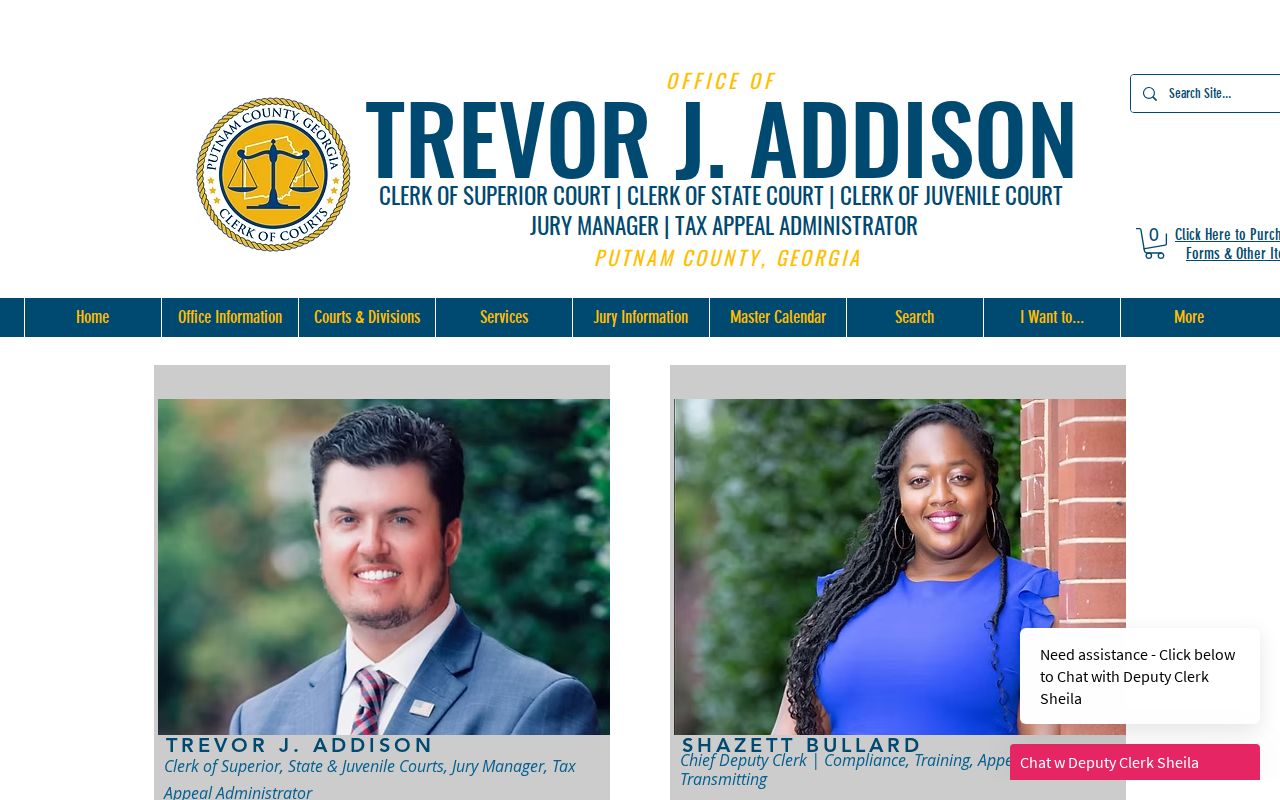
The division list earns its keep on the phone. It lets a caller name the exact court and record needed instead of asking vaguely for a county case.
Searching by Case Number
A case number beats a name search every time. The court stamped that number on one file. So it points to a single docket rather than to everyone who shares a surname. Pull the exact digits from a summons, a citation, a filed paper, a calendar notice, or a clerk's reply. Type them just as they appear. Leading zeros, letters, and punctuation all matter. A matching court matters too, since a lookalike number in another court proves nothing.
Putnam County publishes no sample format, so treat no pattern as local. A string like YYYY-CV-##### or YYYY-CR-##### is a guess, not Putnam's format. If a search fails, recheck the original paper first. Then ask the clerk to confirm the exact format. Never strip a prefix just because some other Georgia county does it differently.
| Identifier | Use | Putnam caution |
|---|---|---|
| Case number | Best court-file key | Copy the exact official format |
| Citation number | Traffic or municipal lookup | Use the issuing court's route |
| Party name | Fallback search clue | Confirm court and caption |
| Filing date | Narrows similar results | Do not confuse it with a hearing date |
Putnam County Case Search Options
The clerk's search hub splits into four separate tools. Pick Case Search when you want a Superior or State Court docket. The real-estate option covers recorded instruments instead. A historical index digs into old land records by type, year, parties, book, volume, and page, and the notary search tracks commissions rather than lawsuits.
Choose Case Search for a court file. A deed index or notary result cannot substitute for a civil or criminal docket.
Old litigation stays with the court that kept it. Kofile's historic real-estate index is real, yet it holds land records, not every aging lawsuit. Probate's historical papers sit under the Probate Court's own scope and its confidentiality limits, so some files stay closed.
What a Putnam Case Search Returns
A Putnam County case search can bring back a lot. Expect a header, party roles, a dated list of events, settings, a disposition field, and links to documents. The header may carry the court, the case number, the filing date, the judge, the caption, the case type, and the status. The chronology can include pleadings, service, motions, orders, continuances, pleas, hearings, judgments, and financial events. That is a broad picture. But the header alone tells most of it.
| Header | Court, case number, filing date, caption, judge, case type, and status if published. |
|---|---|
| Parties | Plaintiff and defendant, petitioner and respondent, or criminal defendant, plus counsel where public. |
| Events | Filed papers, service, motions, orders, settings, continuances, trial events, and closing actions. |
| Settings | Date, time, court, judge, session type, and a verified calendar label if listed. |
| Documents | Links may require an account, payment, or clerk request and can be redacted or sealed. |
A case in Putnam County marked disposed tells you the file closed. It does not tell you how. Pull the judgment, dismissal, plea, or final order and read it yourself. Watch the payment data too. It can sit on a separate screen. A paid fee is not proof that every duty in the case is done.
Failed Putnam County Case Search
A blank Putnam County case search can mean a few things. The name might be spelled differently than you typed it. You may have picked the wrong court, the filing may be too new to show, or the record may be restricted. Georgia traffic systems can take 7 to 21 business days after a citation. Only then might the case appear online. A blank screen is never a dismissal. Work down a fallback chain instead. Start with the provider, then the responsible court by phone, then the clerk counter or a courthouse terminal, and finally a focused written or mailed request. The official clerk contact source gives the Putnam office details for Superior, State, and Juvenile matters.
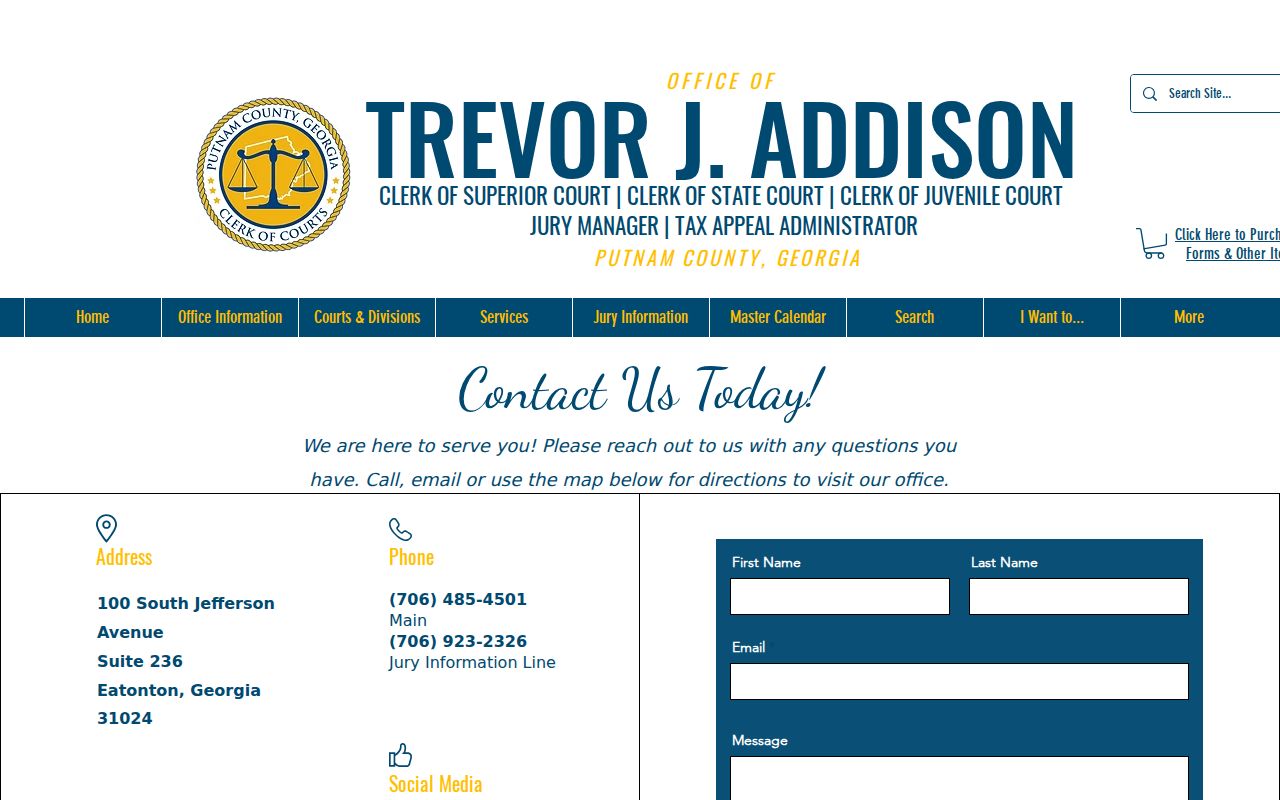
When the Icon or PeachCourt path stalls at an account screen, the contact page is your direct fallback. The clerk's general information source also lists office hours and closure guidance for the Putnam office.
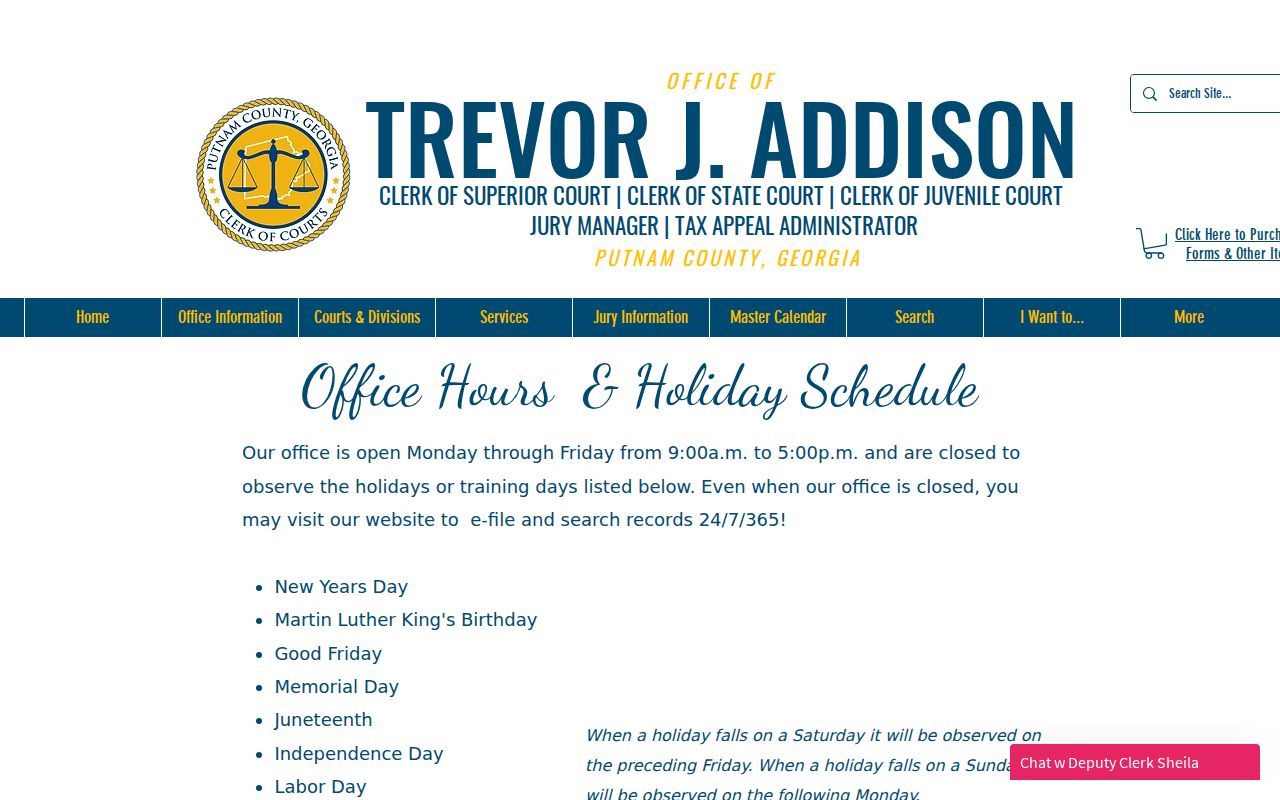
Check that page before you drive over, since holidays and early closings can shut the counter.
Statewide vs Putnam County Case Search
Georgia Courts E-Access won't give you a single statewide case lookup. It works as a directory instead. Follow its official list for Putnam County. You land on PeachCourt for both Superior and State court records. PeachCourt asks for a provider account, though. The login screen shows email and password fields. Links there let you register or recover a password. So the statewide branding can be misleading. It doesn't mean every Georgia court docket is searchable in one place without signing up.
| Route | Role | Limit |
|---|---|---|
| Putnam clerk Search | Local starting page and Icon link | Public query fields were not inspectable |
| Georgia E-Access | Official court-to-provider directory | Not one combined results database |
| PeachCourt | Provider for Putnam Superior and State | Account gate and possible document costs |
| Master Court Calendar | Public schedule PDFs | Not a full docket search |
Got a traffic citation in Putnam County? Pay it through the court that issued it. Georgia keeps no central citation database, and a payment lookup is not the full docket. For Eatonton city matters, use the Eatonton Court Docket route instead.
Putnam Case Search Versus Calendar
Putnam County's clerk splits its online tools into two pieces. Case Search is the docket itself. The Master Court Calendar is the schedule. A docket result walks through a case's history entry by entry, while the calendar PDF lists upcoming and scheduled sessions grouped by day. Codes like CC, MD, NJ, SC, TC, AR, PD, SS, CV, CR, and TR mark what kind of session each one is. A code tells you the category. It never tells you how the case came out.
- Case Search
- The local label for finding court case information through the clerk's route.
- Master Court Calendar
- The public schedule channel for Superior, State, and Juvenile court sessions.
- Disposition
- The recorded result or closing action, which must be read from the event or order.
- Continuance
- A move to a later setting, not a dismissal.
The calendar still has its uses. It can confirm a setting code or which judge is assigned, but it leaves out the older events and document links you need to follow a case. Before relying on any date, verify it with the clerk.
Access and Restricted Cases
Access to Georgia court records starts open to the public. Then it bends to law, procedure, and court order. In Superior Court, Uniform Superior Court Rule 21 sets the limits and shields sensitive identifiers. So a Putnam County result might show a restricted label. It might skip a document image, or return no public detail at all. Treat these as access signals. They do not erase the case.
Public access has limits. Uniform Superior Court Rule 21 sets the access framework, while Rule 21.6 addresses protected identifiers.
Juvenile cases run through a tighter channel. Georgia's JDEX is an authorized data exchange, not a public juvenile name search. Probate files raise similar walls. Guardianship, incapacity, adoption, and vital-record material can all sit inside them. Ask the clerk what portion is public. Never try to slip past a login, a redaction, a CAPTCHA, or a seal.
Putnam County Superior Case Search
Felony prosecutions, major civil claims, divorces, equity disputes, and title-to-land cases all land in one place. That place is the Superior Court of Georgia, Putnam County, Ocmulgee Judicial Circuit. Addison's office keeps that court's docket. State Court runs its own docket for misdemeanors, county traffic, and limited civil work. The same clerk serves both benches. The official Putnam Superior Court source lays out that court's jurisdiction and its place in the circuit.
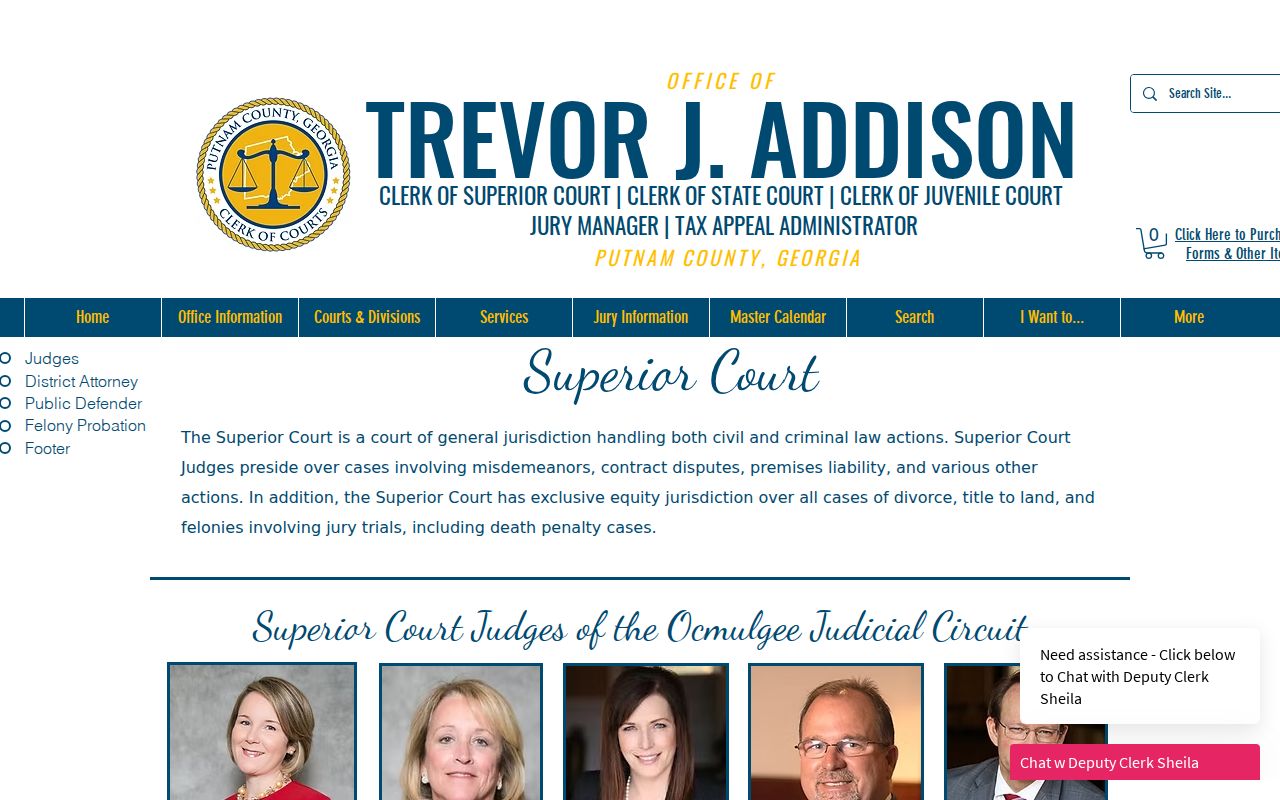
That page explains the practical lesson: a felony, divorce, equity, or land-title search should start in Superior Court, not in a lower court channel.
Need a certified copy of something? Ask the clerk for that exact document from the court file. Give the court, the case number, the item you want, your delivery preference, and contact information. A written request leaves a clearer trail. Skip the private details nobody needs.